
Every bill in seconds, every branch on one screen
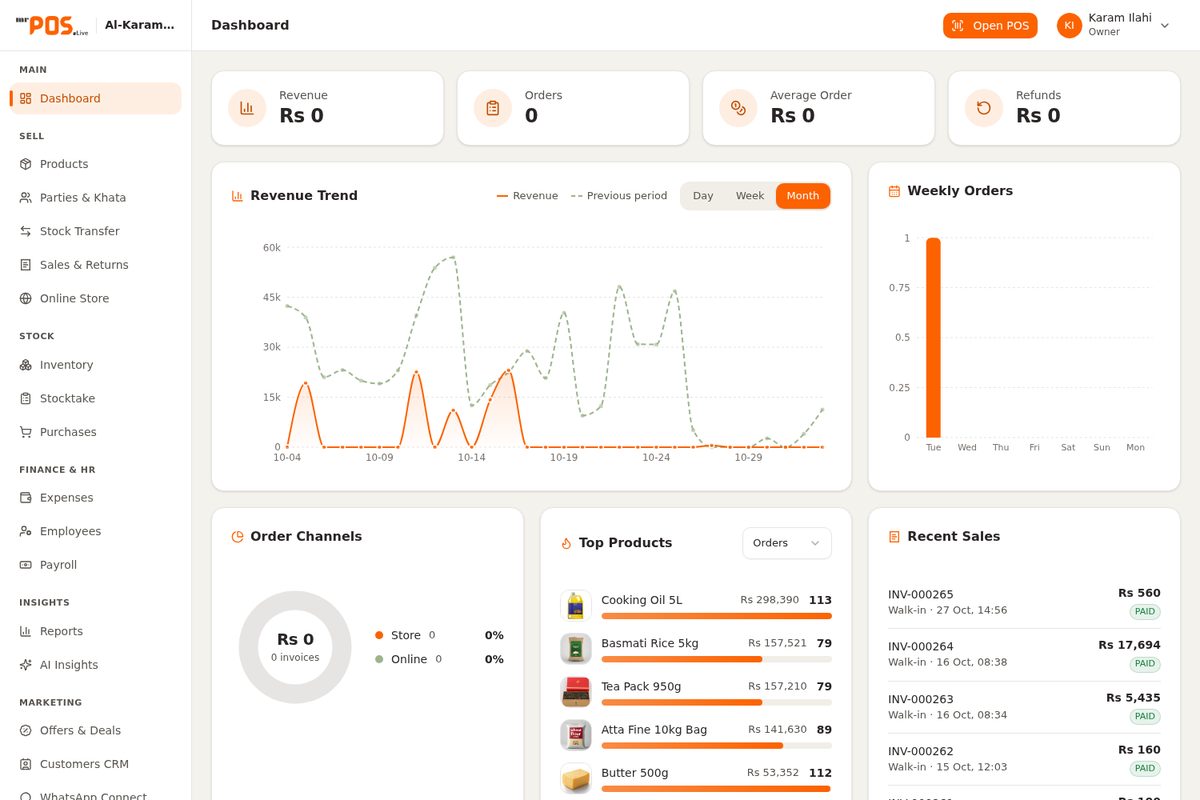
Retail POS is the checkout, stock room and head office in one system: scan-and-bill counters, live inventory across locations, purchasing with re-order alerts and consolidated reports for every branch — from a single karyana store to a full retail chain.
Scan → bill → done
barcode checkout at the counter
All branches live
one dashboard, every store
 Real product
The counter is where money is won or lost
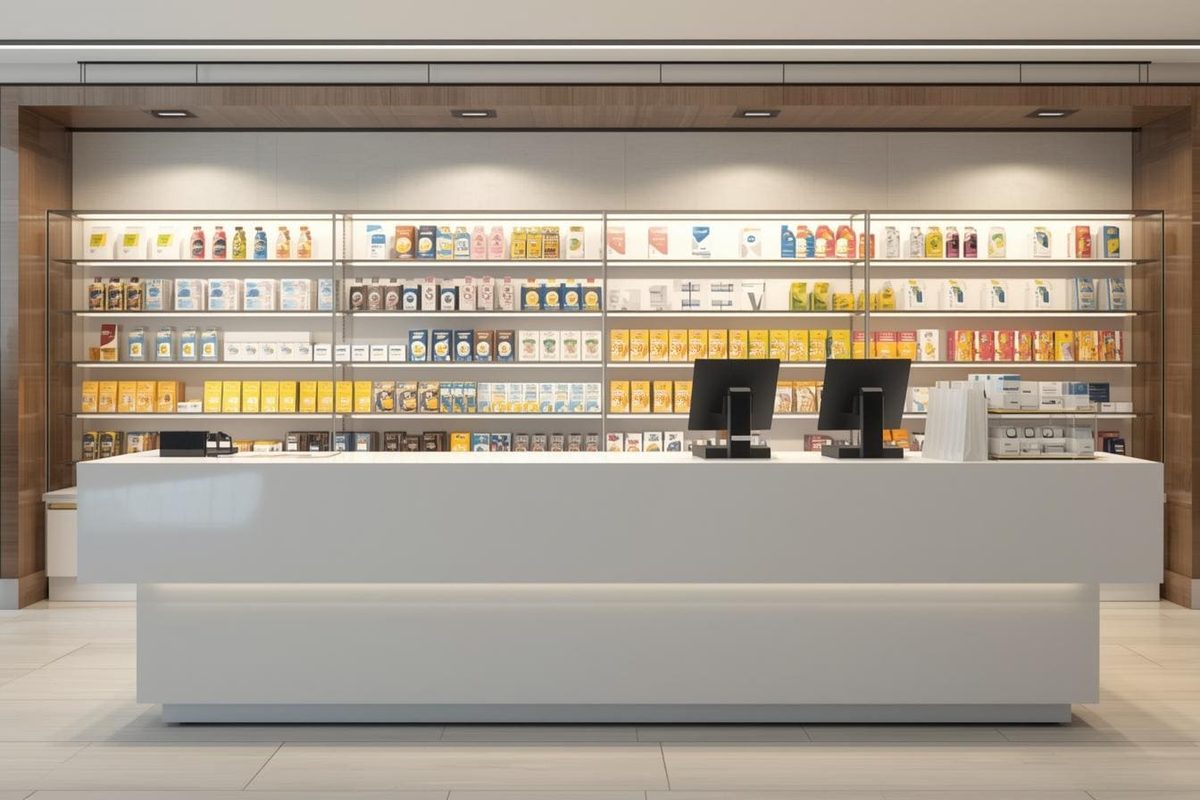
Retail runs on razor-thin margins and rush-hour queues. Every manual price check, every stock-take guess and every end-of-day phone call costs you sales. Retail POS was built on one rule — the counter should never slow the sale.
 Built for busy counters
Queues that kill sales
Handwritten bills and mental price checks pile up at rush hour — customers put baskets down and walk. Barcode scanning, saved price lists and one-tap discounts keep the line moving even on payday crowds.
Stock that nobody can see
Dead stock in one shop, empty shelves in another — and shrinkage nobody can explain. Every sale deducts live; location-level visibility, stock counts and re-order levels tell you what to buy before shelves go empty.
Branches reporting in WhatsApp
End-of-day calls, screenshots of copy-pasted registers, numbers that never match. Every branch bills on the same system — head office opens one dashboard and sees sales, stock and cash for all of them, live.
A POS that runs the whole shop, not just the till
Sixteen modules, one subscription — billing, inventory, purchasing, customers and reports live together, so nothing gets re-typed and nothing gets lost.
Fast Billing & Barcode
Scan, weigh or pick — checkout in a few taps with held bills, split payments and instant thermal receipts.
Inventory & Stock Counts
Live stock per location, cycle counts, damage and return flows — every unit accounted for.
Multi-Branch & Transfers
Every branch on one dashboard with stock transfer requests between locations and consolidated reporting.
Purchasing & Re-order
Vendor lists, purchase orders and re-order alerts driven by real sales — buy what moves, skip what doesn't.
Customers & Loyalty
Purchase history, credit customers (khata), loyalty points and SMS receipts that bring people back.
Expenses & Cash
Cash in drawer, expenses by category and shift-wise reconciliation — the drawer always matches the report.
Reports & Day-Close
Sales by hour, item, cashier and branch; margin reports and a one-tap day-close routine.
Users, Roles & Audit
Role-based access for cashiers and managers, plus an audit trail of every void, discount and edit.
…plus 8 more: quotations, returns, barcode printing, price lists, promotions, suppliers, warehouses and settings.
Our weapon of choice
From boxes on shelves to live billing in weeks
Every rollout follows the same proven path — set up, stock, train, go live. You always know what happens this week and who is doing it.
Step
01
Store Setup
Your shop, digitised
Day 1-2Scroll to move through steps
Store Setup
Your shop, digitised
We load your product catalogue — names, barcodes, cost & sale prices, tax categories — and configure counters, users and receipt formats with your logo.
What happens
- Product catalogue loaded
- Barcode & pricing
- Tax configuration
- Users & roles
Powered by
Counter Go-Live
First real bill printed
Thermal printer, barcode scanner and cash drawer connected; staff run test bills until checkout feels natural before a single customer arrives.
Stock & Vendors
Every item counted
Opening stock take with your team, vendor lists with purchase prices, and re-order levels so the system starts telling you what to buy — not the other way around.
Team Training
Cashiers up to speed
Cashiers and floor staff drill on live scenarios — discounts, returns, held bills, shift close — with role-based access so nobody touches what they shouldn't.
Multi-Branch & Support
All shops, one screen
Additional branches onboarded with consolidated reporting and stock transfers between locations — plus a support line your team can actually reach.
 Retail POS
If you sell over a counter, this is for you
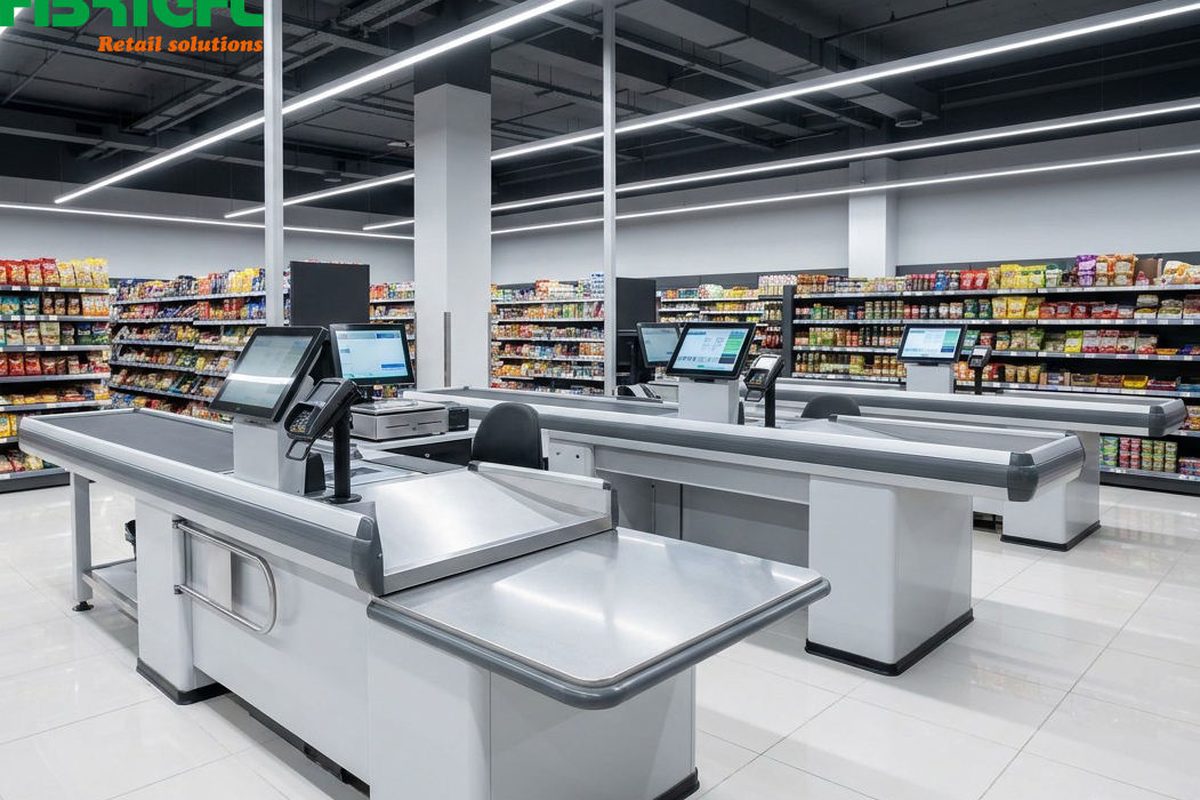
One shop or forty, clothing or karyana — if stock and bills are your daily life, Retail POS fits without changing how you work.
Frequently asked questions
No exotic kit. The POS runs in the browser on any standard PC or laptop at the counter, plus a thermal receipt printer, a barcode scanner and (optionally) a cash drawer and weighing scale. If you already have printers or scanners, we test them during setup — most standard models just work.
Still curious? See it live on your own data.
Book a Free Demo