From table order to kitchen without a single lost chit
Restaurant RMS runs the whole floor: waiters punch orders that print as KOTs in the kitchen, tables light up on a live map, takeaway and delivery ride the same flow, and day-end closes in minutes — built for a single café and proven on chains.
KOT in one tap
counter se seedha kitchen
Live table map
occupied, free, billing
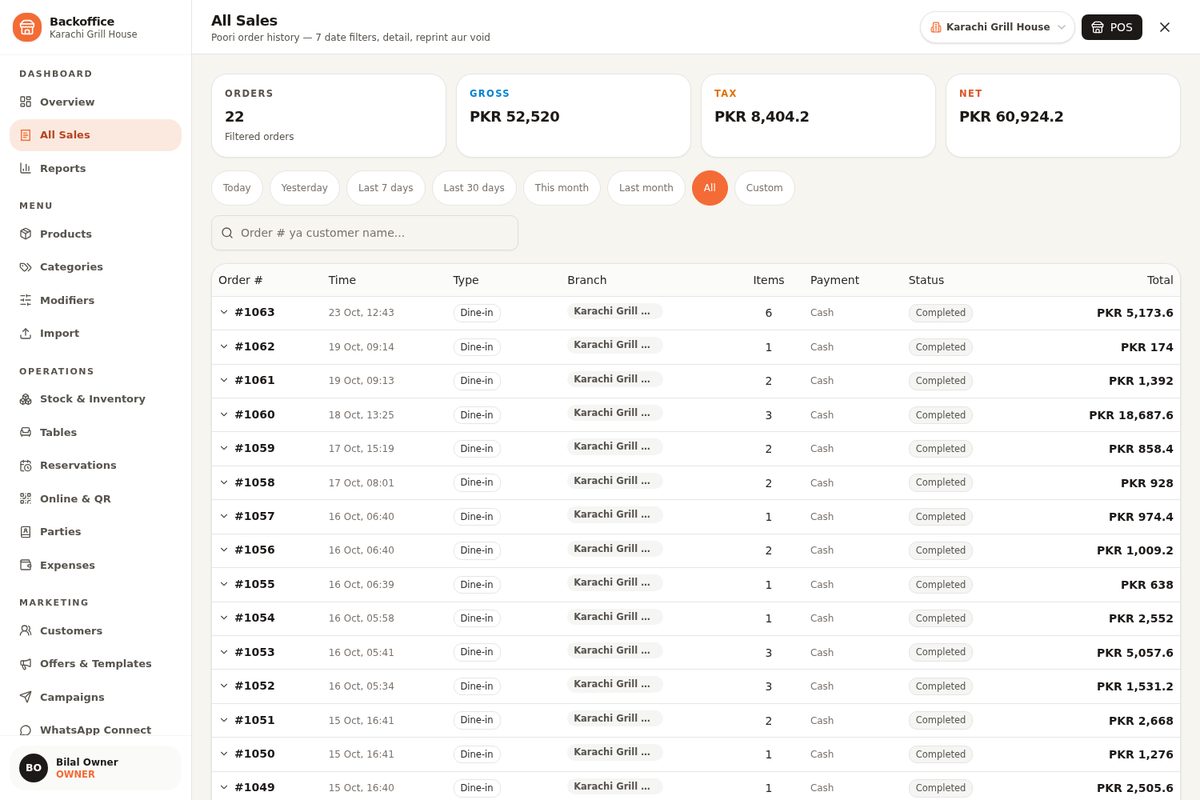 Real product
Chaos is expensive. Calm sells more food
Every wrong KOT is a free dish. Every forgotten table is a bad review. Every night spent with a calculator is a manager who isn't planning tomorrow. Restaurant RMS exists to make the floor boring — in the best possible way.
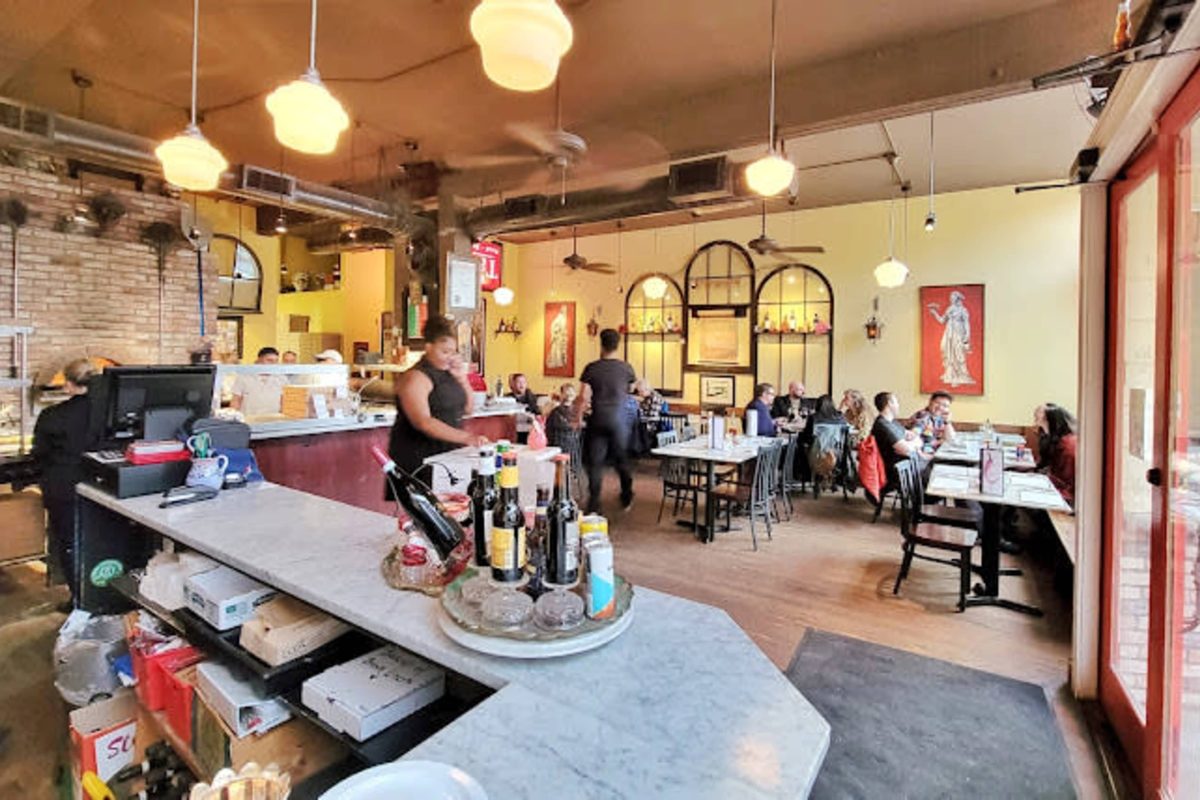 Built for the dinner rush
Orders lost between counter and kitchen
Shouted orders, torn chits and “bhai woh wala” — wrong dishes, refires and free food. The waiter punches the table order once; the kitchen gets a clean, numbered KOT with modifiers. What was ordered is what gets cooked.
Tables, takeaway and delivery fighting for attention
One tablet for the floor, one app for delivery, a paper pad for takeaway — and the phone keeps ringing. All three channels land on the same screen as the same order flow, so nothing gets forgotten at the pass.
Midnight is for accounts, not calculators
Day-end used to mean counting every chit by hand and hoping the cash matches. Now the shift closes itself: cash counted against sales, discounts listed, wastage logged, and the owner gets the day's report on WhatsApp.
One system for the whole restaurant — floor to kitchen to owner
Tables, KOTs, delivery, menus, stock and reports live in one place — so the waiter, the chef and the owner are finally reading the same numbers.
Dine-in & Table Map
Live floor map with occupied, free and billing states; merge and split tables without a fight.
KOT & Kitchen Display
Numbered KOTs with item modifiers print or display in the kitchen — no verbal orders, ever.
Takeaway & Delivery
Token-based takeaway, delivery orders with rider assignment and COD tracking on the same screen.
Menu & Recipes
Items with sizes, add-ons and happy-hour prices; recipes that deduct stock with every KOT.
Stock & Wastage
Ingredient-level inventory, wastage logging and low-stock alerts before the weekend kills your prep list.
Deals & Discounts
Combo deals, percentage or fixed discounts and manager-approved voids — generosity with a paper trail.
Sales Reports
Item-wise and hour-wise sales, best sellers, peak hours and day-part comparisons for every branch.
Staff & Shifts
PIN-based roles — waiter, cashier, manager — with shift open/close and cash reconciliation per user.
…plus receipts, customer feedback, tax configuration, multi-branch reporting and more.
Our weapon of choice
From paper pads to live KOTs in one week
We set up your menu and floor, wire the kitchen, train the waiters and stay through the first dinner rush — so go-live night feels like any other night.
Step
01
Menu & Floor Setup
Your menu, your floor plan
Day 1Scroll to move through steps
Menu & Floor Setup
Your menu, your floor plan
Menu loaded with sizes, add-ons and prices; tables mapped to your actual floor plan; taxes and service charges configured the way your receipts need them.
What happens
- Menu with variants
- Table map
- Tax & service charges
Powered by
KOT & Kitchen Flow
The kitchen gets calm
KOT printers or kitchen display installed at the right stations — hot line, cold line, bar — with modifiers and course timing tested on real orders before service.
Delivery & Takeaway
Same screen, new channel
Takeaway tokens, delivery orders with rider assignment and COD tracking configured — phone orders and counter pickups follow one clean flow.
Staff Training
Waiters to managers
Everyone gets a PIN and a role. Waiters punch practice orders, cashiers run shifts, managers rehearse voids and day-close — on live scenarios, not slides.
Go-Live & Reports
First rush, fully covered
We stay on-site through the first dinner rush. After that: the day-close routine becomes a 5-minute habit and the owner's WhatsApp gets the day's numbers, every night.
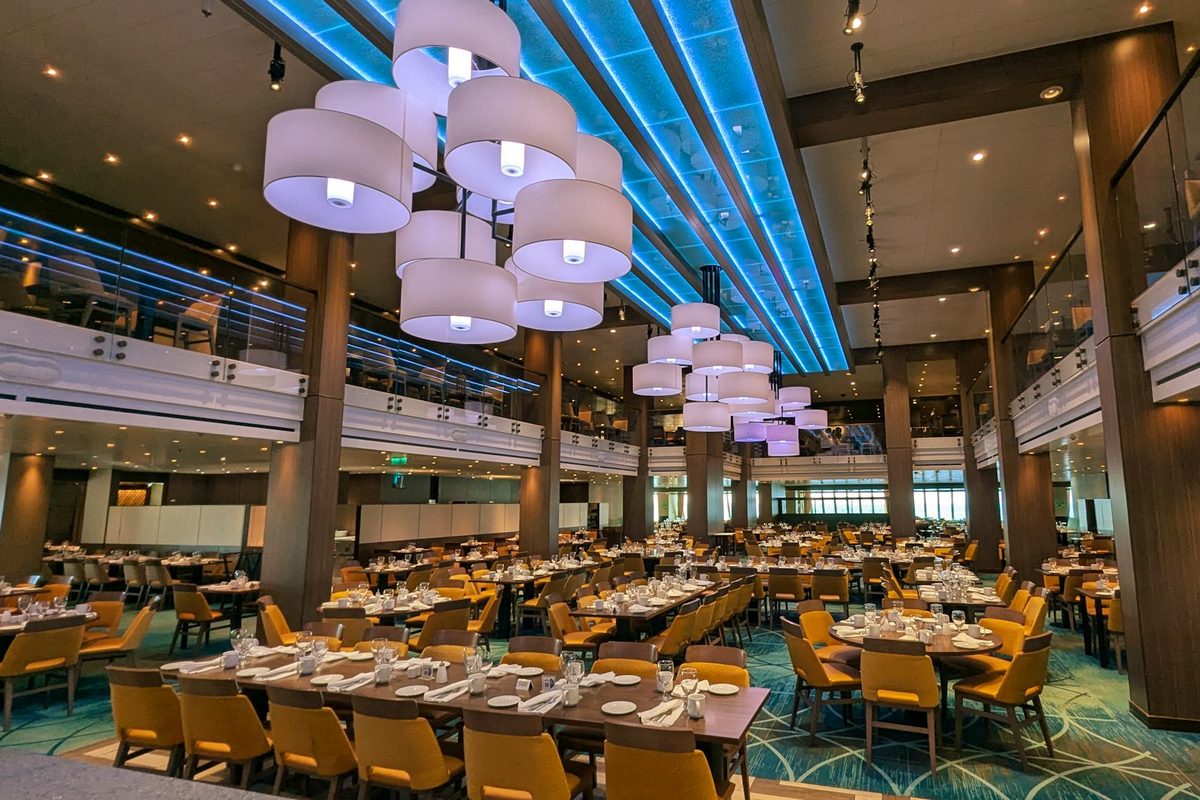 Restaurant RMS
From one café to a chain
If food leaves your kitchen against an order, Restaurant RMS should be the system it happens on — whatever your size or cuisine.
Frequently asked questions
Not at all. A single-counter café can run billing, KOT and day-close from one screen and ignore the rest until it needs them. Modules are there when you grow — takeaway tokens, delivery riders, wastage tracking — but nothing forces you to use everything on day one.
Still curious? See it live on your own data.
Book a Free Demo